
05130224 Proximity Switch
Product ID: 05130224 – Proximity Switch
Description:
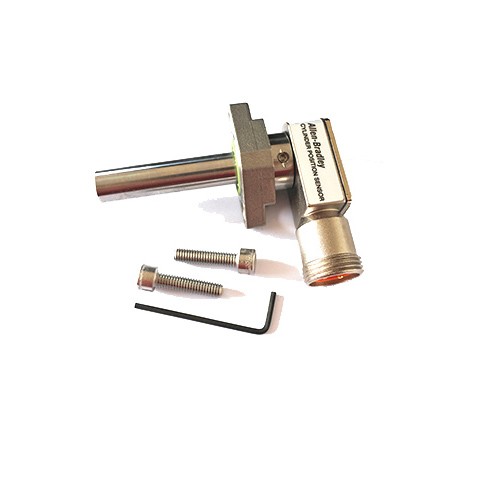
This component is a proximity switch, also known as a non-contact position sensor, designed for waterjet cutting systems. It detects the presence or absence of a metallic target without physical contact, typically used to monitor the position of moving components such as plungers, pistons, or valves.
Applications:
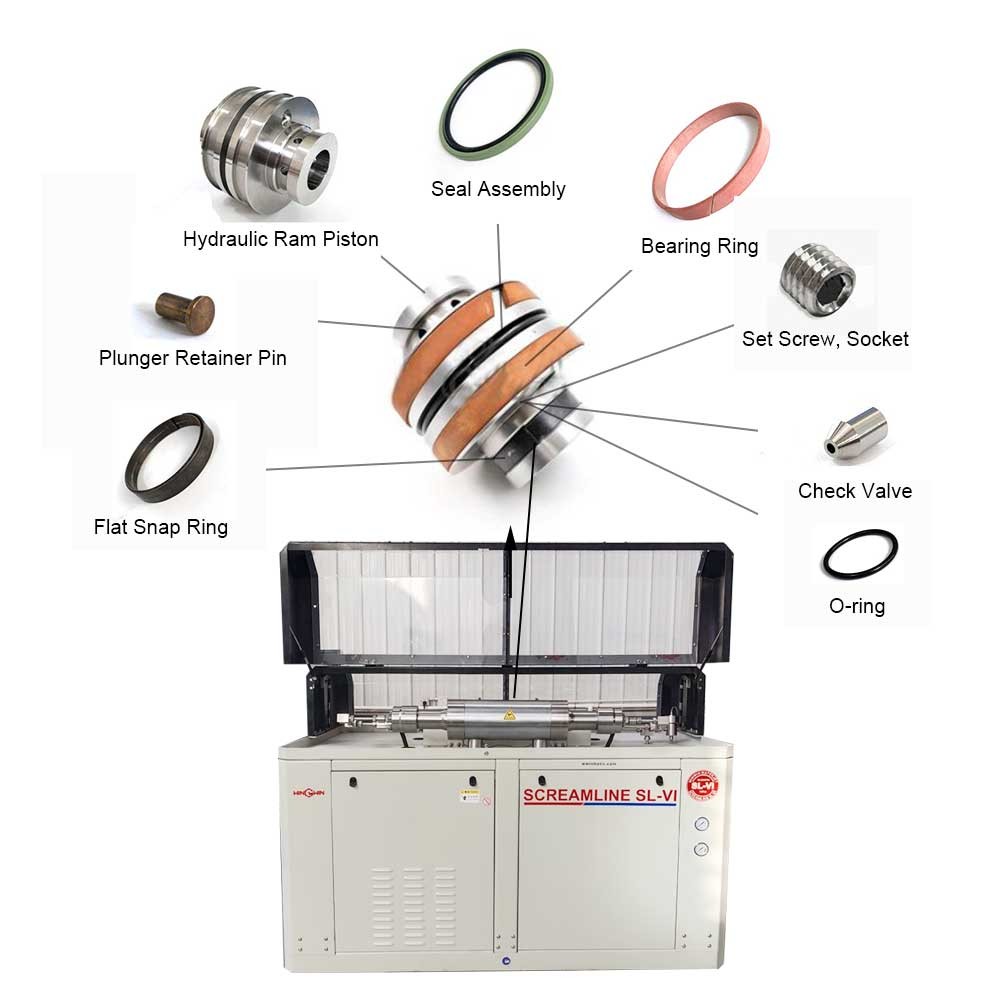
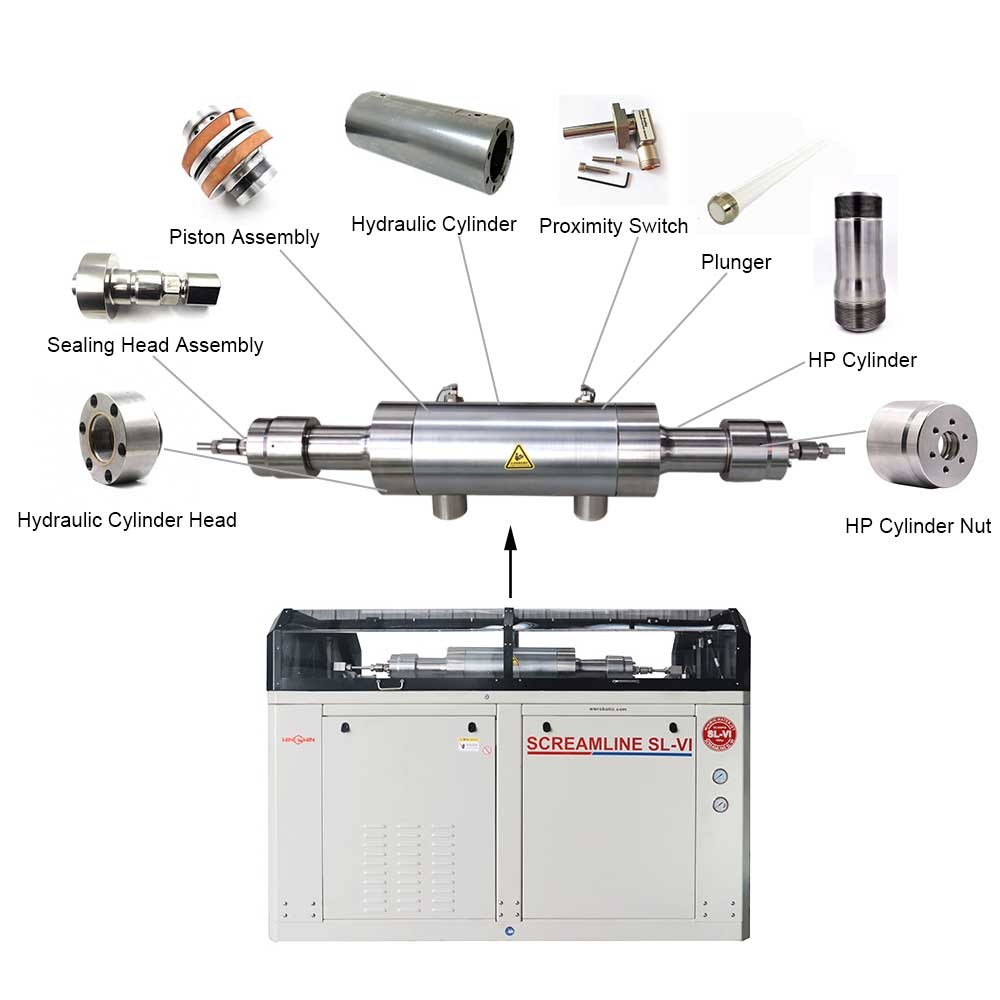
Used in waterjet cutting machines to sense the end-of-stroke position of intensifier pump plungers or pistons.
Installed on valve assemblies to confirm open/closed status of high-pressure shut-off or dump valves.
Suitable for both pure water and abrasive waterjet systems requiring reliable position feedback in wet, high-vibration environments.
Features:
Non-contact sensing eliminates mechanical wear and increases service life compared to mechanical limit switches.
Typically an inductive type sensor, designed to detect ferrous metal targets through small air gaps.
Constructed with a rugged, sealed housing rated for water resistance and protection against abrasive dust.
Pre-wired with an integral cable or equipped with a quick-disconnect connector for easy replacement.
Operates on standard DC voltage, typically 10-30 VDC, with a solid-state output such as NPN or PNP.
LED indicator on the sensor body provides visual confirmation of target detection and power status.
Maintenance:
Regularly inspect the sensor face for buildup of metallic debris or abrasive particles that could reduce sensing range.
Clean the sensor face with a soft cloth and mild solvent if necessary; do not use abrasive tools that could scratch the face.
Check the sensor cable or connector for cuts, abrasion, moisture ingress, or loose connections.
Verify correct air gap between the sensor face and the target as specified in the equipment manual; incorrect gap may cause missed or false triggering.
Test sensor operation by manually moving the target into and out of the sensing zone while observing the LED indicator or monitoring the control system signal.
Replace the proximity switch if the LED fails to illuminate when the target is present, or if the output signal remains stuck in one state.
Before replacing the sensor, fully depressurize the waterjet system and disconnect electrical power.
When installing a replacement, route the cable away from sharp edges, moving parts, and high-temperature surfaces.
Use cable ties to secure wiring and prevent strain on the sensor connection.
Product recommendation
-
HT016018103-Safety-Bolt
-
305889 Coil Axis 1 IRB 1600 Waterjet Robot Parts
-
05013735-Actual-in-1165-29591-Nominal-in-1200-30480
-
10176543 Pneumatic Actuator Assembly, Normally Closed Pneumatic Cylinder
-
B033.03A DB033.03A 1
-
010558-3 Intensifier Assembly
-
301075 Coil Protection M98 M2004 Right IRB 2400 Robotic waterjet
