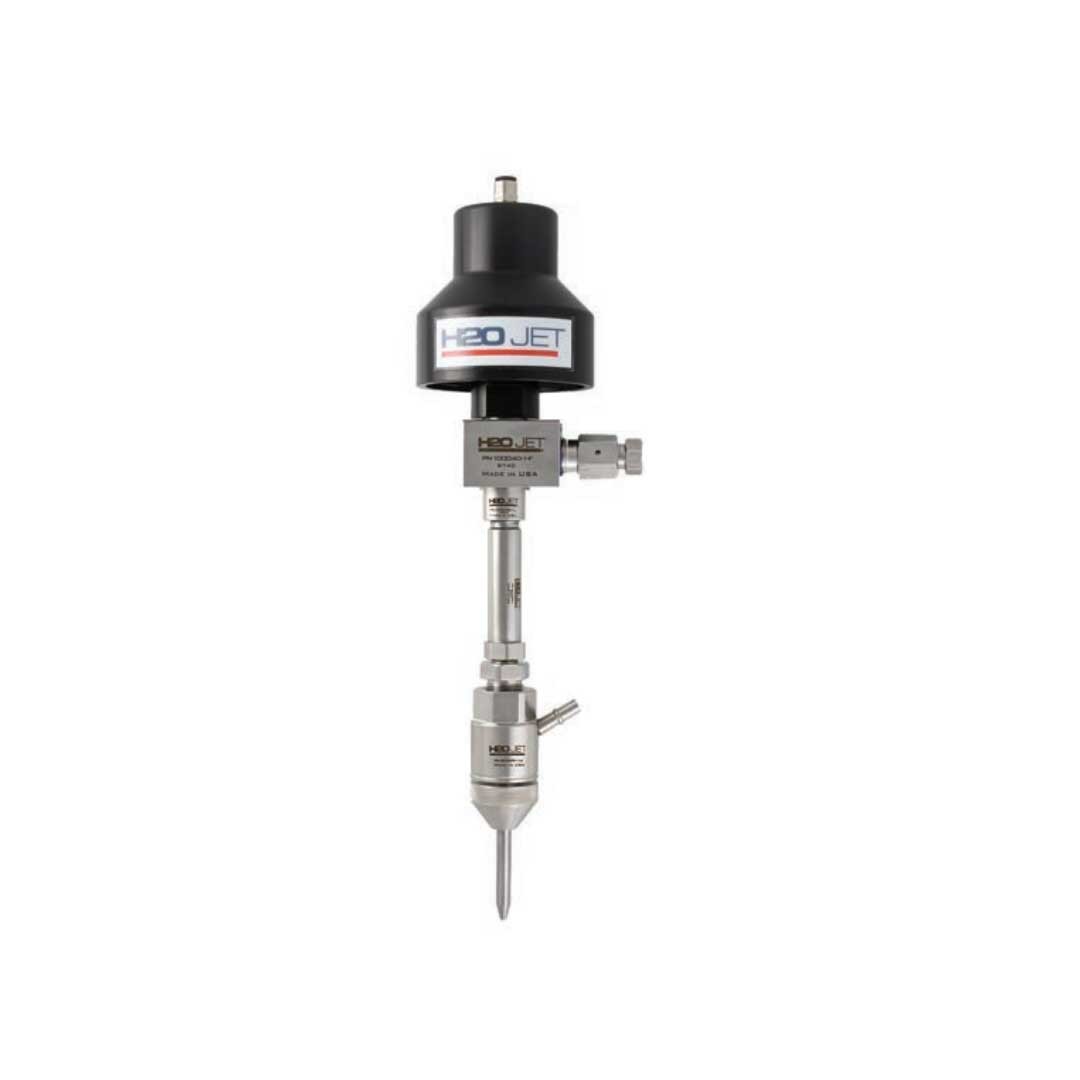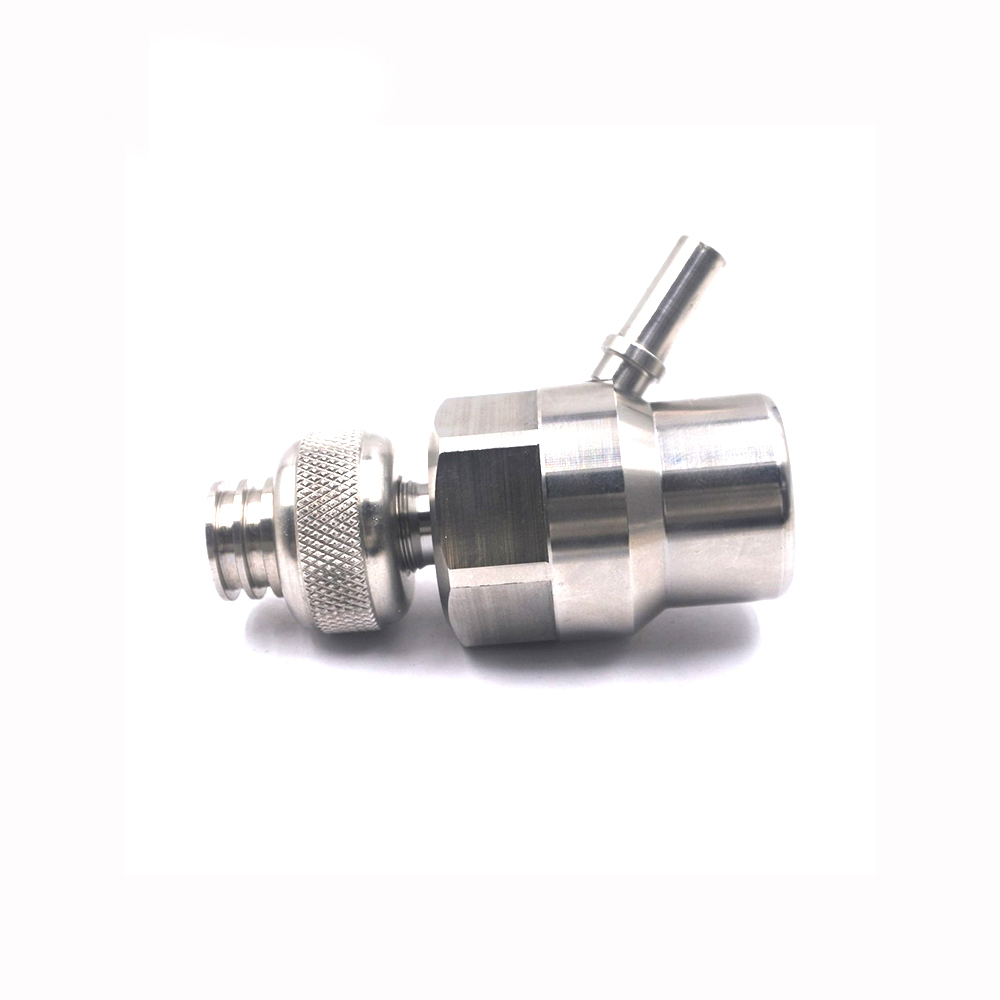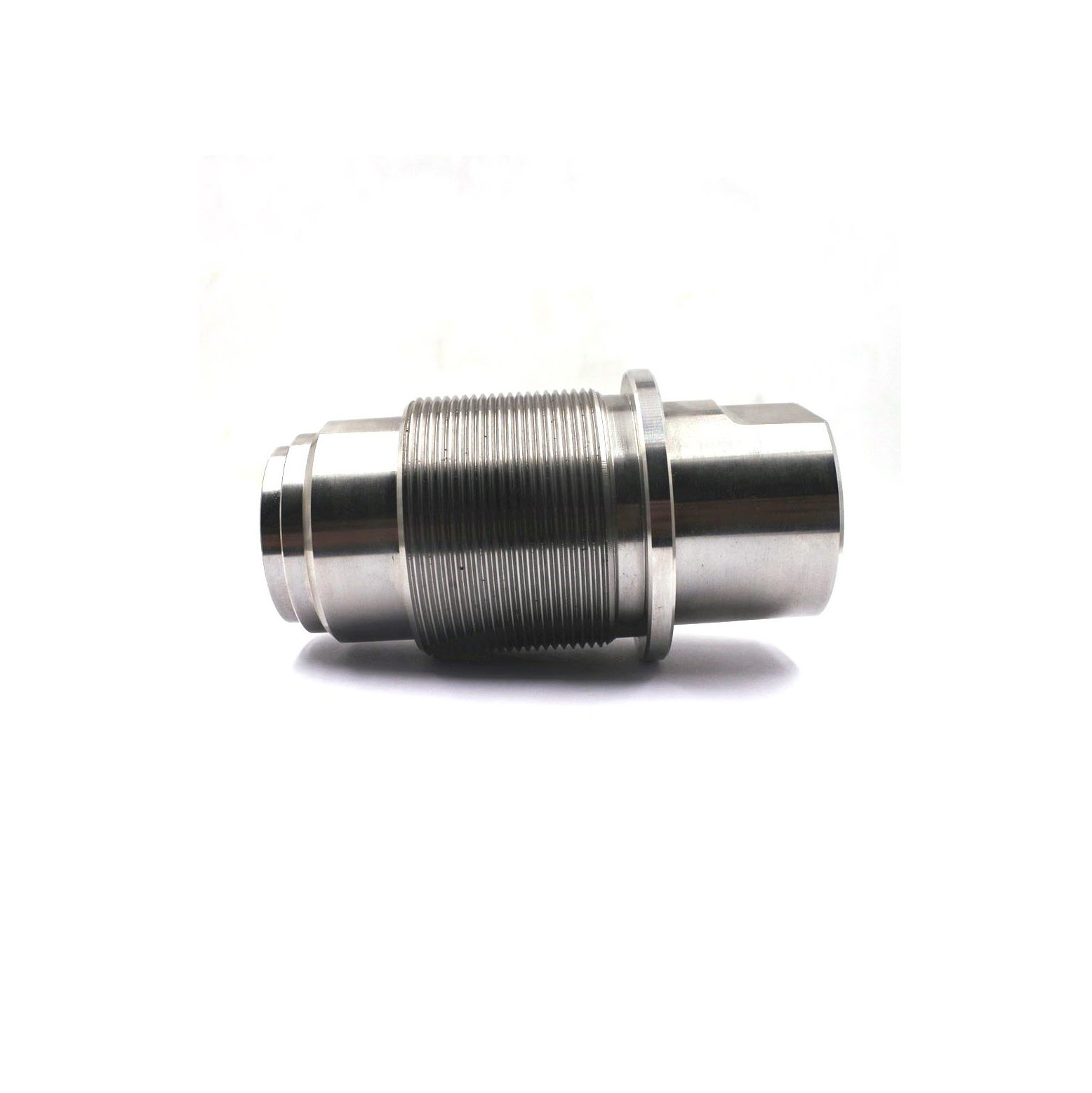
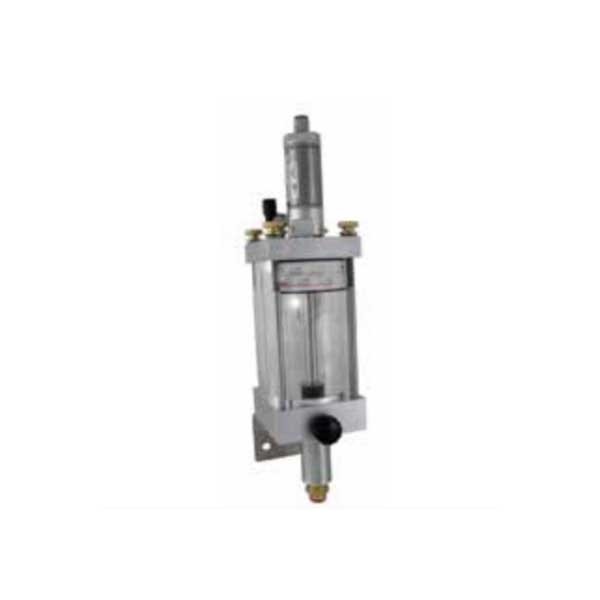
700004-2-Gravity-Abrasive-Meter-Disk-Metered-waterjet-H2O
Product Name: Gravity Abrasive Meter / Metering Disk Assembly (Mini Hopper) – Part No. 700004-2
Description:
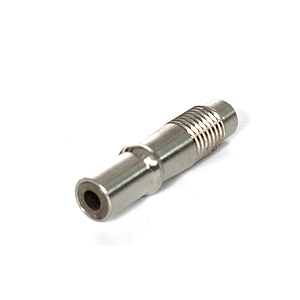
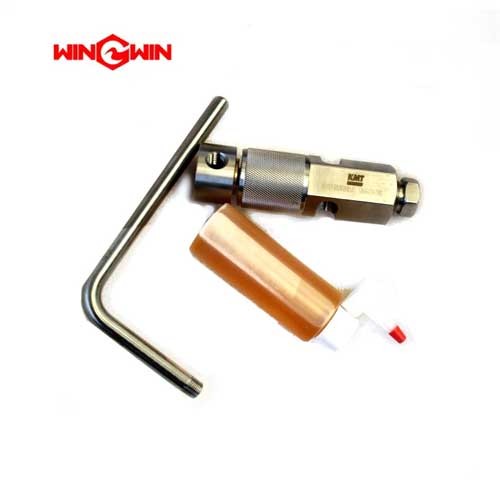
This component is the disk-metered abrasive mini hopper assembly for waterjet cutting systems . It is a gravity-fed metering device that provides a consistent, controlled flow of dry abrasive garnet from a bulk storage hopper to the cutting head mixing chamber . The assembly uses a metering disk with a calibrated orifice to precisely regulate abrasive flow rate based on the disk size selected .
The mini hopper operates as an intermediate storage and metering vessel. Abrasive flows from the bulk hopper into the top of the mini hopper via gravity (with pneumatic conveying assist), then passes through the selected metering disk at the bottom outlet before being directed to the cutting head. A pneumatic actuator with a rubber bumper seals the outlet port to start and stop abrasive flow on demand .
Proper moisture control is critical for this device: dry abrasive flows reliably through the metering disk, while wet abrasive clumps and causes blockages .
Applications:
Intermediate storage and metering of abrasive garnet between bulk hopper and cutting head
Provides controlled abrasive flow for waterjet cutting systems
Compatible with H2O Jet and other standard waterjet abrasive delivery systems
Used in high-production environments requiring consistent abrasive feed
Features:
Metering Disk Design: Interchangeable disks with different orifice sizes to select abrasive flow rate; disk is installed with marking facing down
Pneumatic On/Off Control: Air actuator with rubber bumper seals the outlet to start/stop abrasive flow
Sight Capability: Allows visual monitoring of abrasive level (varies by configuration)
Gravity-Fed Operation: Uses gravity and differential pressure for consistent abrasive delivery
Serviceable Components: Metering disk and rubber bumper are field-replaceable wear parts
Maintenance:
Metering Disk Replacement (Flow Rate Adjustment) :
Ensure air actuator is off and no abrasive is flowing
Loosen and remove black thumb screw while holding outlet body to prevent it from falling
Remove outlet body from bottom plate
Use compressed air to blow out threads on bottom plate
Remove current disk from outlet body and clean all abrasive residue
Select disk with desired flow rate and install with marking facing down into outlet body
Reinstall outlet body and tighten thumb screw securely
Replace when abrasive does not stop flowing or valve operation becomes slow/erratic
Shut off air supply to bulk hopper and mini hopper, bleed all pressure
Remove abrasive feed line and air supply lines
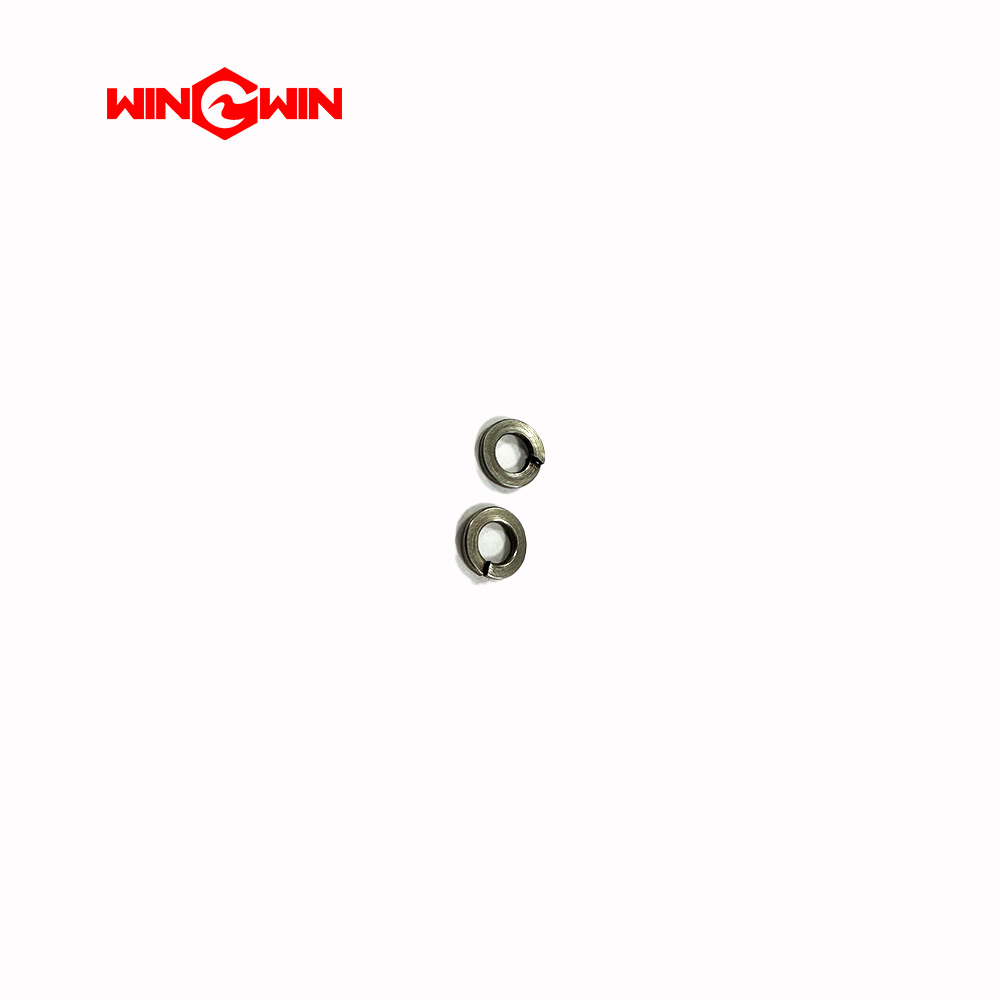
Remove top plate (remove 4 brass thumb nuts and lock washers)
Remove worn rubber bumper from actuator extension rod (may require holding rod)
Install support washer onto new rubber bumper
Apply small drop of thread lock to bumper threads and install
Center rubber bumper above abrasive outlet port before tightening
If water backflow occurs and abrasive becomes wet, the mini hopper must be disassembled, thoroughly cleaned, and dried before normal operation
Do not use compressed air on the vent fitting (severe injury hazard)
Cross-Reference Information:
H2O Jet #: 700004-2
Also known as Disk Metered Abrasive Mini Hopper