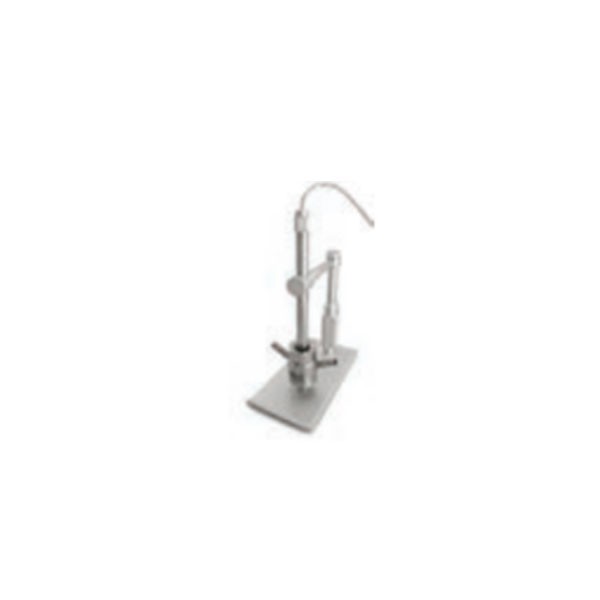
400354-1-Digital-Microscope-EHE-V1-USB-Plus
Product Name: Digital Microscope (400x, 2MP USB Plus) – Part No. 400354-1
Description:
This component is a digital microscope designed for high-magnification inspection of waterjet cutting system components. It provides up to 400x magnification and captures 2-megapixel images, connecting to a computer via a USB port . The microscope is specifically engineered for orifice inspections, allowing operators to examine the condition of sapphire or diamond orifices in detail .
The device enables clear visualization of orifice wear patterns, including chips, cracks, blockages, or contamination . This diagnostic capability is essential for waterjet operators to determine whether an orifice can be cleaned (using an ultrasonic cleaner) or must be replaced . The ability to inspect orifices visually is particularly critical when running diamond orifices, where premature replacement is costly, but running a damaged orifice can negatively affect cut quality and system performance .
The microscope can also be used to inspect focusing tubes (mixing tubes) and other small components for signs of wear, erosion, or damage that may not be visible to the naked eye. This part number replaces older references including 07-100190-SP .
Applications:
Inspecting waterjet orifices (sapphire, ruby, or diamond) for chips, cracks, wear, or blockage
Examining focusing tubes (mixing tubes) for bore wear, ovality, or erosion
Inspecting the condition of mixing chambers and other small cutting head components
Determining whether an orifice can be cleaned or requires replacement
Used in waterjet maintenance shops and by machine operators for preventive maintenance and troubleshooting
Features:
Magnification: Up to 400x for detailed inspection of small components
USB Connectivity: Plugs directly into a computer's USB port for power and data transfer
Portable Design: Compact size allows easy positioning over cutting head assemblies
Diagnostic Aid: Provides visual confirmation of orifice condition, reducing guesswork in maintenance decisions
Value for Diamond Orifices: Particularly useful for inspecting expensive diamond orifices to avoid unnecessary replacement
Maintenance:
When to Use:
Orifice Inspection: Before cleaning or replacing an orifice, inspect it under magnification to assess actual condition
Preventive Maintenance: Regularly inspect orifices and focusing tubes as part of scheduled maintenance to identify wear before it affects cut quality
Troubleshooting: When cut quality degrades, use the microscope to inspect components for visible damage before replacing parts unnecessarily
Usage Guidelines:
Clean Components First: Thoroughly clean orifices in an ultrasonic cleaner before inspection to remove debris that might obscure damage
Proper Lighting: Ensure adequate illumination for clear imaging; adjust the microscope's built-in or external lighting as needed
Focus Adjustment: Use the microscope's focus mechanism to obtain sharp images of the component's critical surfaces (orifice entry and exit)
Image Capture: Save images for maintenance records or to document component condition over time
Connectivity: Ensure proper USB connection to the computer; install any required drivers or software for image capture and viewing
Storage:
Store the microscope in a clean, dry, dust-free environment
Protect the lens from scratches and impact damage
Keep the USB cable properly coiled to avoid damage when not in use